Safety
DoraShield alerts stay impossible to miss.
Fall detection and urgent updates from DoraShield are surfaced with clear priority so caregivers can act quickly.
Eldora turns safety alerts, DoraBot status, wellness summaries, and family follow-ups into a focused mobile command center for everyday caregiving.
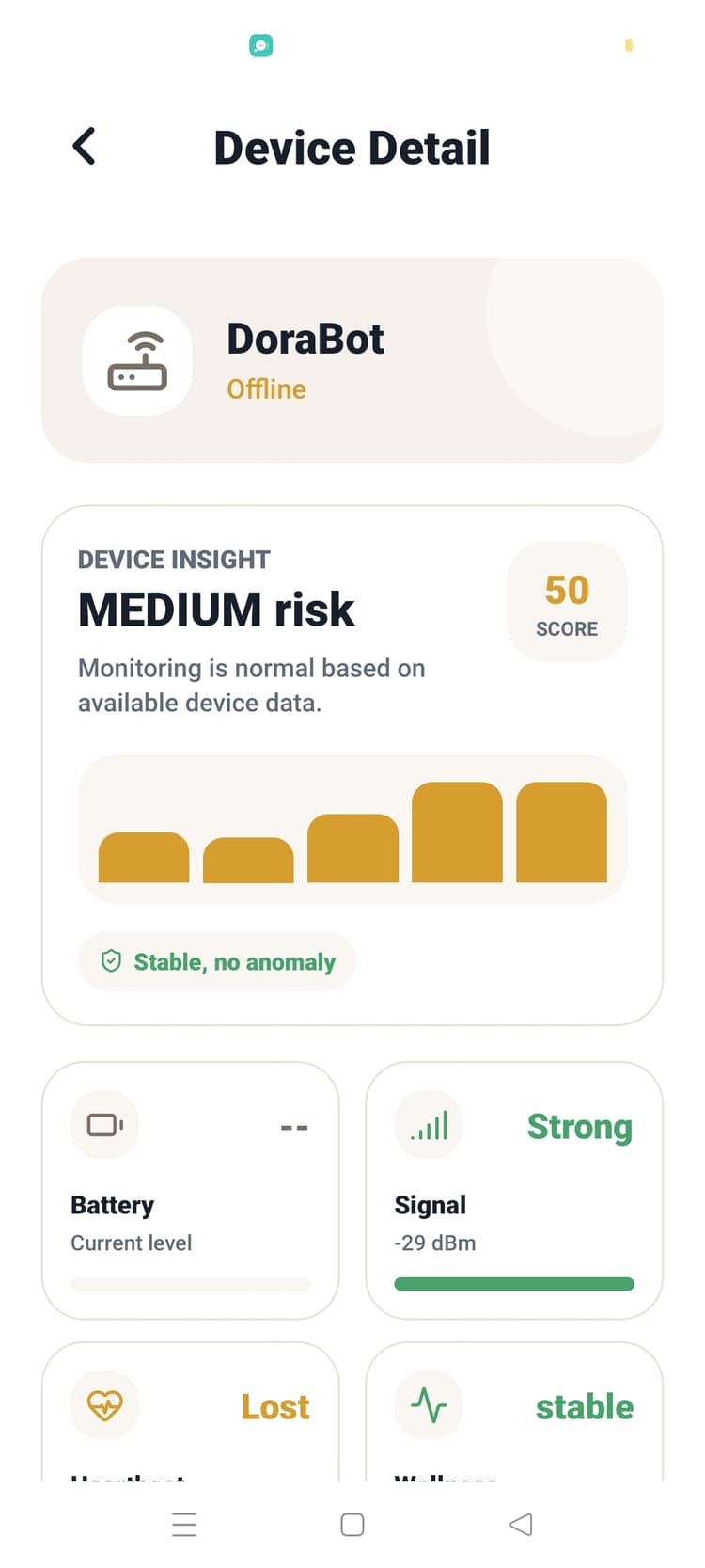
Core operating system
Fall detection and urgent updates from DoraShield are surfaced with clear priority so caregivers can act quickly.
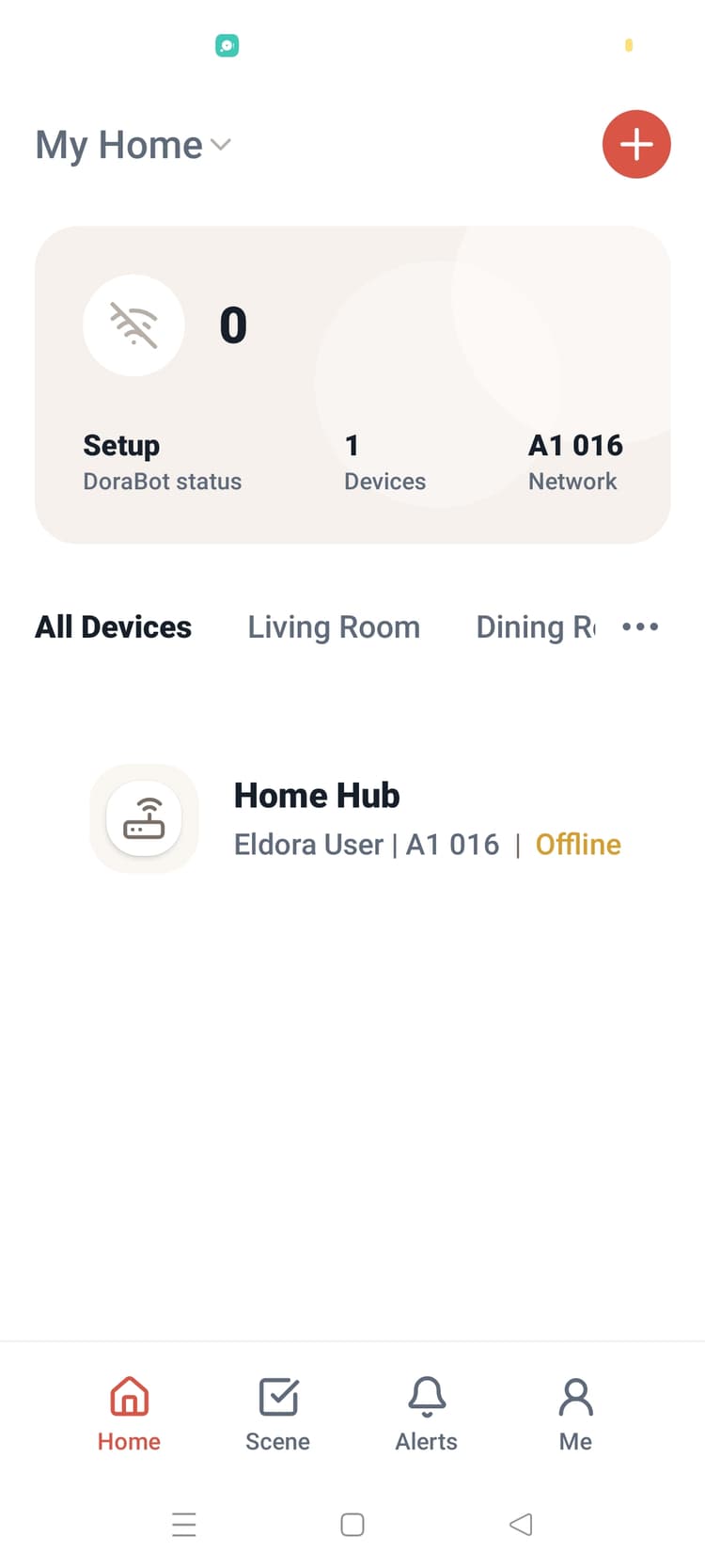
Eldora keeps pairing, connection health, and status for both devices organized in one calm dashboard.
Signals from DoraBot, DoraShield, and family updates are shaped into meaningful context without feeling invasive.
Family-grade clarity
Coral highlights DoraShield urgency, warm surfaces reduce anxiety, and every DoraBot or DoraShield status stays easy to understand.
Fall and safety moments are treated as first-class signals, not buried notifications.
Build check-ins, voice prompts, and family follow-ups around DoraBot routines.
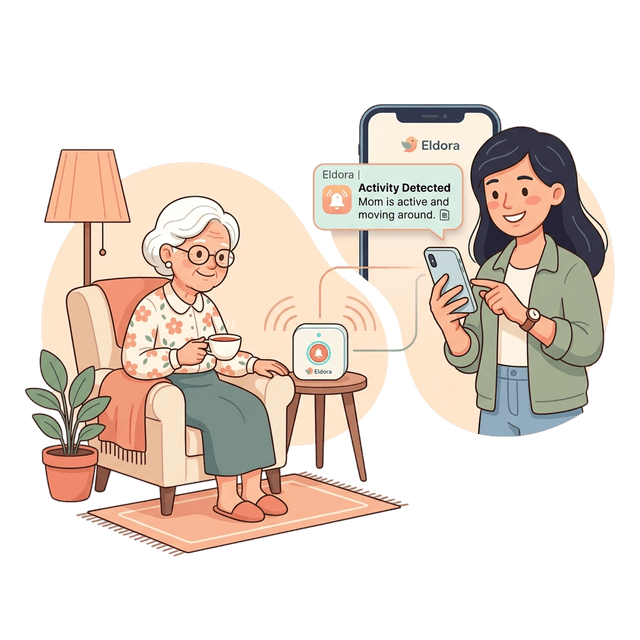
A warm overview of family updates, DoraBot status, and DoraShield safety signals in one focused experience.
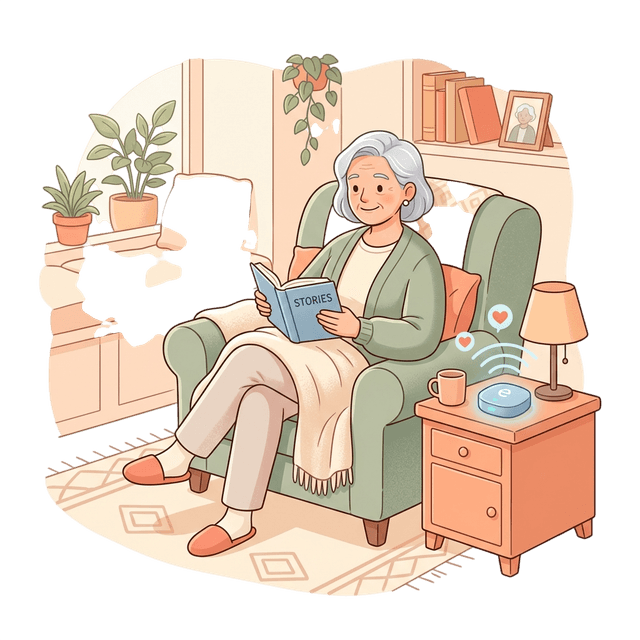
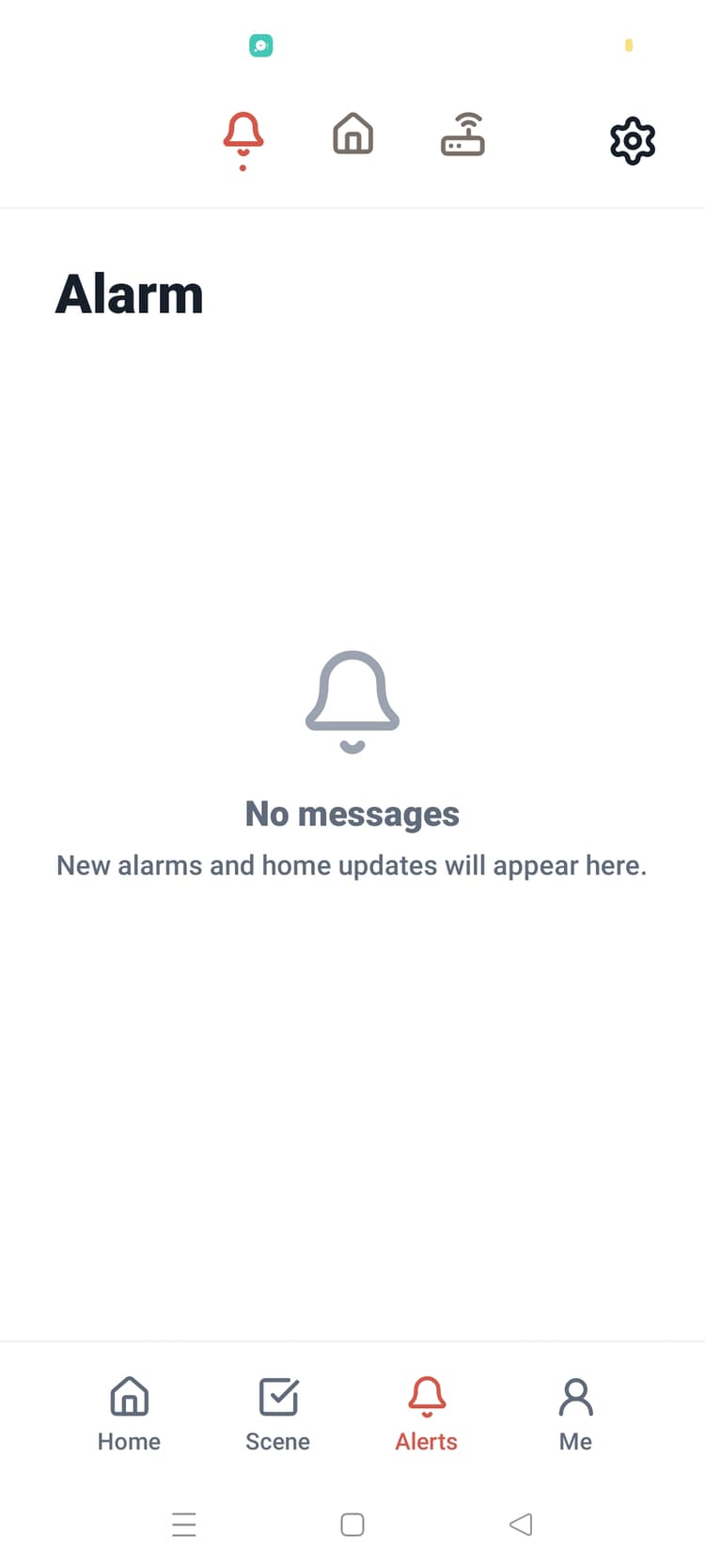
DoraShield alerts are separated from everyday updates, helping families understand what needs attention now.
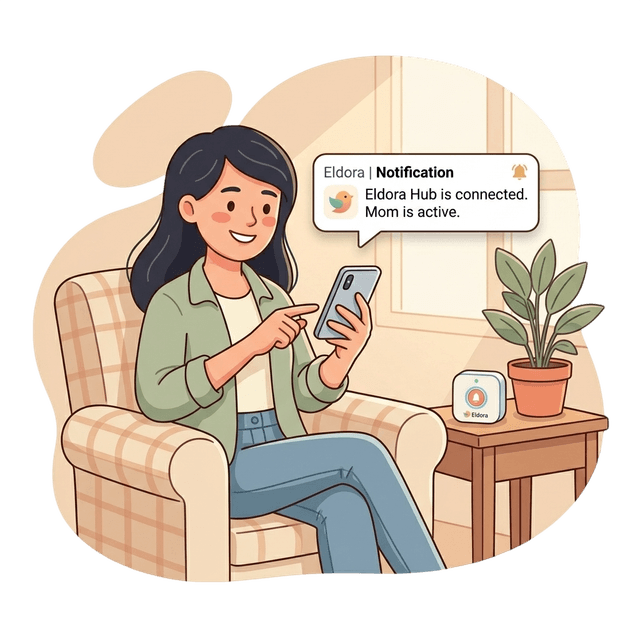
Wellness summaries help caregivers spot meaningful changes from Eldora devices without turning care into surveillance.
Mobile preview
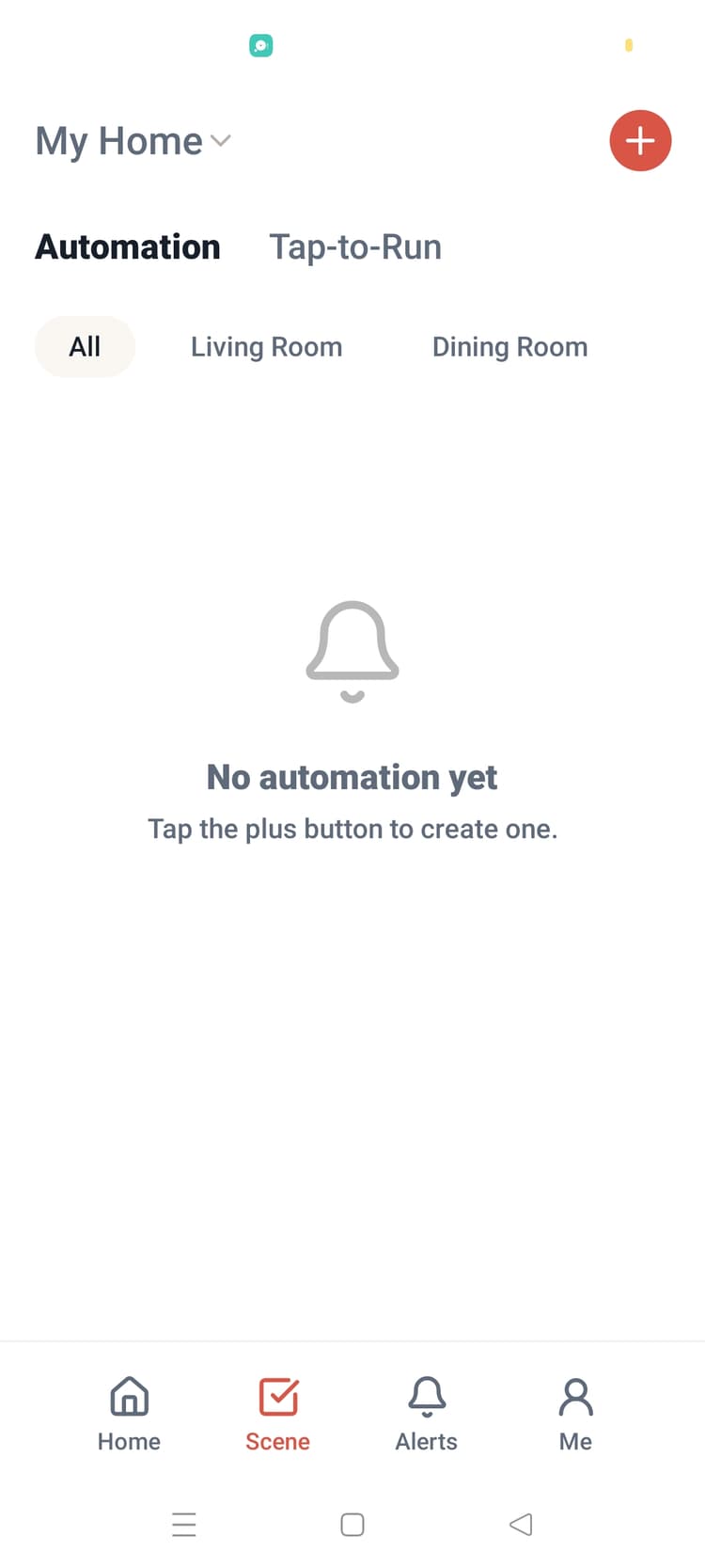
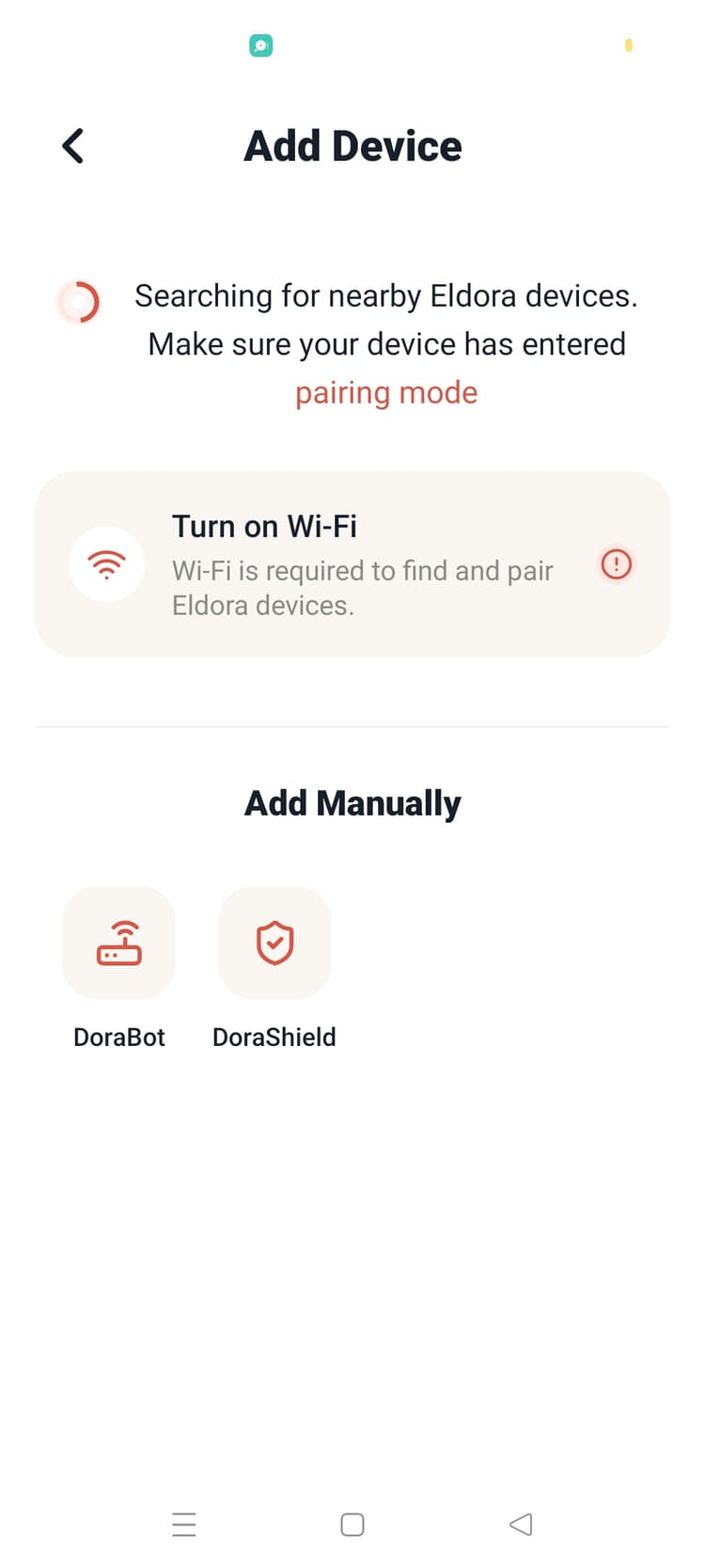
Screenshots are arranged as a contained editorial showcase with gradient depth, soft surfaces, and motion-ready cards.
View GitHub release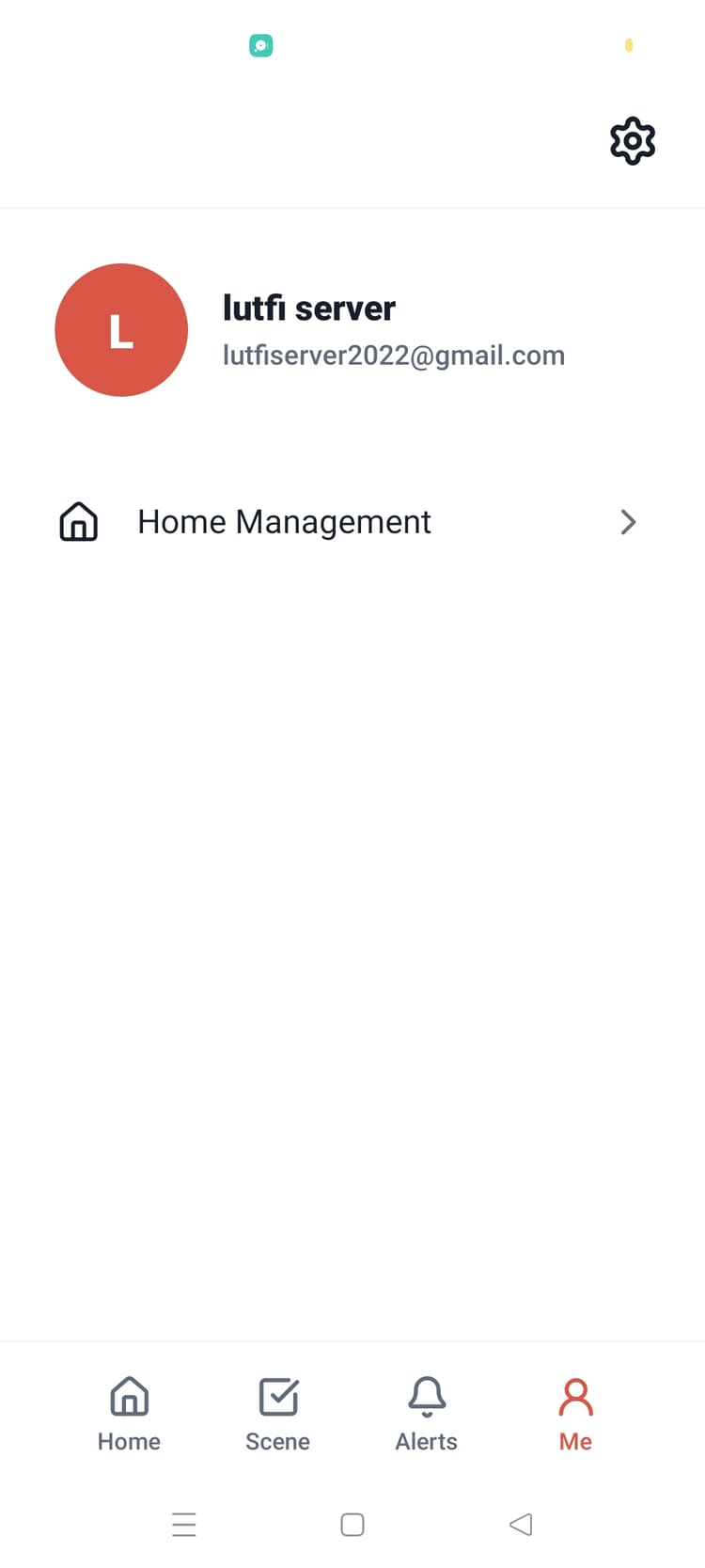
How it works
Turn on DoraBot and keep your phone on the same Wi-Fi network.
Open Eldora, choose add device, select DoraBot, and follow the pairing flow.
After pairing, Eldora shows DoraBot status, home check-ins, and family follow-ups.
Latest APK
The download button resolves the newest APK asset from GitHub Releases and falls back to the latest known build if the GitHub API is unavailable.